
Creating a professional presentation or business report can take hours. First, there is the research. Then come the outlines, charts, summaries, formatting, design, revisions, and usually the last-minute request to “make it look more professional.”
AI is changing that workflow.
Today, AI tools can turn a prompt, document, spreadsheet, meeting summary, or set of notes into a structured report or presentation draft within minutes. They can suggest slide titles, summarize lengthy information, create visuals, explain data, and even adapt the same content for different audiences.
But there is an important distinction: AI can speed up the production process, but it does not remove the need for human judgment. The strongest results usually come from using AI for the repetitive first stage of the work and people for fact-checking, business context, messaging, and final decisions.
Why Are Businesses Using AI for Presentations and Reports?
A large part of presentation and reporting work is repetitive. Someone may spend hours turning meeting notes into an executive summary, moving spreadsheet findings into PowerPoint, or rewriting the same information for a client, manager, and internal team.
AI can reduce much of that manual effort.
For example, a user can provide a business report and ask an AI tool to:
- Create an executive summary
- Identify the most important findings
- Turn information into a slide-by-slide outline
- Rewrite technical content for executives
- Suggest charts and visuals
- Create speaker notes
- Summarize meeting notes and action items
- Repurpose a report into a presentation, email, or one-page summary
This does not mean someone can simply press a button and publish the result. Instead, AI provides a structured starting point, helping users move beyond the blank page or empty presentation canvas much faster.
The Main Types of AI Presentation and Reporting Tools
The current AI landscape can roughly be divided into three groups.
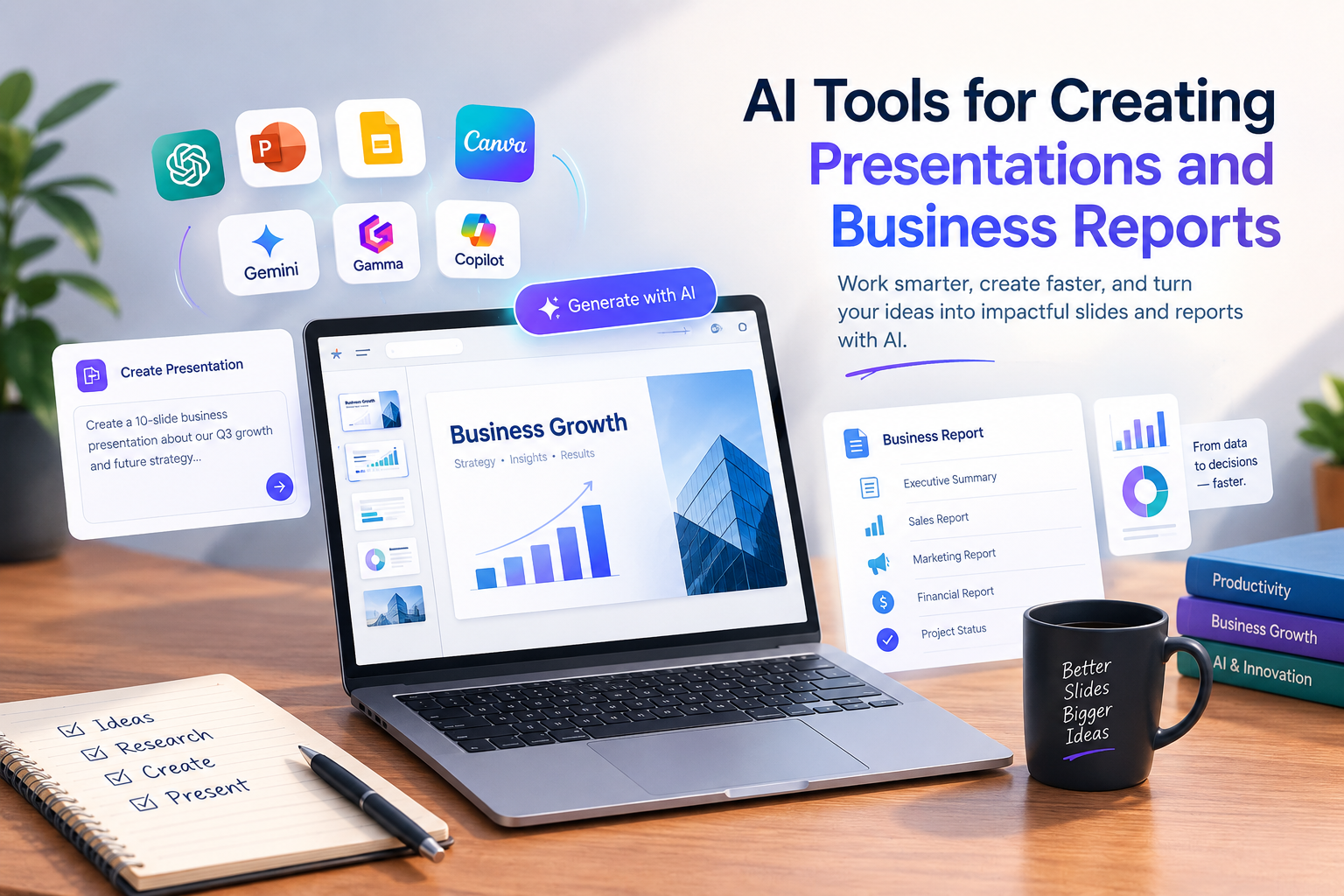
Native workplace AI tools, such as Microsoft Copilot and Google Gemini, are built into existing productivity ecosystems. They are particularly useful when a company already stores its information in Excel, Word, PowerPoint, Google Docs, Sheets, and Slides.
Dedicated presentation platforms, including Canva, Gamma, Beautiful.ai, and Presentations.AI, focus more heavily on visual presentation creation and branded content.
Then there are general AI assistants, such as ChatGPT and Claude. These are particularly useful for research, analysis, report structure, executive summaries, and developing the story behind a presentation.
The right choice therefore depends less on finding one “best” AI tool and more on understanding what you actually need to create.
1. Microsoft Copilot
Microsoft Copilot is a natural option for organizations already working with Microsoft 365.
Its integration across Word, Excel, and PowerPoint makes it useful for workflows where data begins in a spreadsheet, becomes a written report, and eventually turns into a presentation.
In PowerPoint, Copilot can create presentation drafts, summarize existing decks, help edit content, and apply formatting changes. In Word, it can help draft and summarize reports, while Excel can be used to explore datasets, work with formulas, and create visualizations.
A practical business workflow might look like this:
Excel sales data → analysis → Word executive summary → PowerPoint management presentation
This makes Copilot particularly relevant for sales reports, business performance updates, project reports, financial narratives, and management presentations.
However, users should still verify figures, KPIs, assumptions, and conclusions before presenting them to decision-makers.
Best suited for: Microsoft 365 organizations and data-to-presentation workflows.
2. Google Gemini
For organizations that primarily use Google Workspace, Gemini offers a similar approach.
Gemini can work with Google Slides, Docs, Sheets, Drive, and other Workspace services. Its presentation capabilities include generating editable presentations, creating slides and images, rewriting content, summarizing presentations, and using relevant Workspace context where available.
This can be useful for marketing campaign reports, project updates, sales reviews, internal planning documents, and collaborative presentations.
One advantage is that generated slides remain editable, allowing teams to continue working on the presentation rather than receiving a static AI-generated image.
The main consideration is availability. Some features depend on the user’s plan, account, language, country, and rollout status.
Best suited for: Teams already using Google Workspace for collaborative work.
3. Canva AI
Canva is particularly useful when presentation quality and visual design are important.
Its AI-powered features can generate presentation concepts from prompts and assist with text, images, layouts, and design variations. Because Canva already provides templates, brand tools, and content-creation features, users can move from a presentation to social media graphics, marketing materials, or other visual content without changing platforms.
For example, a marketing team could create a monthly campaign report and then reuse its key charts and insights for social media or newsletter graphics.
Canva is less suitable when the main requirement is deep spreadsheet analysis. In that situation, users may want to analyze their data in Excel or Google Sheets first and then use Canva for the visual presentation.
Best suited for: Marketers, small businesses, students, and anyone creating visually focused presentations and reports.
4. Gamma
Gamma takes a more AI-first approach to presentations and documents.
It can generate presentations and document-style content from prompts, outlines, or source material. It can also import PDF and PowerPoint files and export content into formats such as PDF, PowerPoint, PNG, and Google Slides.
One interesting feature is that Gamma content can work as both a presentation and a web-style document. This makes it useful for proposals, explainers, strategy documents, investor presentations, and client-facing reports.
The downside is that accepting the first AI-generated result without editing can lead to a generic-looking presentation. Slide density, images, messaging, and information hierarchy often need human refinement.
Best suited for: Fast narrative presentations, proposals, and visually led reports.
5. Beautiful.ai
Beautiful.ai is built around presentation design and its “Smart Slides” system. Instead of manually adjusting every element, its layouts automatically adapt when content changes.
The platform includes AI-generated content, writing assistance, AI image generation, branding controls, and dynamic visualizations.
This makes it useful for sales presentations, consulting decks, training materials, client presentations, and recurring business reports where visual consistency matters.
Its main limitation is also one of its strengths: automatic layouts can feel restrictive for people who want complete control over every design element.
Best suited for: Professional business presentations, sales decks, and branded team presentations.
6. Plus AI
Plus AI takes a slightly different approach by working directly inside PowerPoint and Google Slides.
This is useful for professionals who do not want to move their presentations into a completely separate platform. It can generate and edit slides, work with documents, and provide branding and team features on higher plans.
For example, a consultant could use Plus AI to turn client notes into a PowerPoint presentation while keeping the final work inside the familiar PowerPoint environment.
Best suited for: Teams that want AI assistance while continuing to use PowerPoint or Google Slides.
7. Presentations.AI
Presentations.AI is designed specifically around AI-generated presentations.
Users can generate decks from prompts and use features such as brand synchronization and collaboration. Its free tier provides a limited number of credits, while paid plans offer higher usage allowances.
It can be useful for entrepreneurs, students, marketers, and professionals who need a quick first presentation rather than a highly customized reporting environment.
Best suited for: Rapid presentation prototyping and first-draft business decks.
8. ChatGPT and Claude
Not every useful AI tool needs to generate the final slides.
ChatGPT and Claude can be particularly valuable before the design stage.
They can help turn long documents into executive summaries, structure reports, identify important findings, create slide outlines, write speaker notes, and adapt content for different audiences. ChatGPT can also work with uploaded files and data in supported workflows, while Claude is useful for synthesizing long documents and developing structured narratives.
For example, instead of asking an AI tool to “make a sales presentation,” you could first ask it to identify the three most important business issues in the sales data, explain why they matter, and create a six-slide story for a sales director.
You can then take that approved structure into PowerPoint, Canva, Gamma, or another presentation platform.
Best suited for: Report writing, analysis, executive summaries, research synthesis, and presentation planning.
Which AI Tool Should You Use?
There is no single tool that fits every situation.
| Tool | Best suited for |
|---|---|
| Microsoft Copilot | Microsoft 365 and Excel-to-PowerPoint workflows |
| Google Gemini | Google Workspace collaboration |
| Canva AI | Visual presentations and marketing content |
| Gamma | Fast narrative decks and web-style documents |
| Beautiful.ai | Professional branded presentations |
| Plus AI | AI inside PowerPoint and Google Slides |
| Presentations.AI | Rapid AI-generated decks |
| ChatGPT | Analysis, reports, summaries, and presentation planning |
| Claude | Long-document synthesis and business narratives |
The most appropriate tool depends on your existing software, data sources, branding requirements, collaboration needs, budget, and final presentation format.
Where AI Helps Most
The biggest advantage of AI is not simply that it can create slides quickly. It is that it can reduce the amount of time spent on repetitive work.
Imagine giving an AI tool a sales spreadsheet and asking:
“Create a six-slide management update focusing on revenue performance, pipeline risk, customer churn, and the three decisions required next month.”
The AI could create an initial structure, identify potential talking points, and suggest visualizations.
But someone still needs to check whether the numbers are correct, whether the reporting period is appropriate, and whether the conclusions actually make sense.
AI is also valuable for repurposing content. One approved report can become an executive summary, board presentation, client update, project-status email, or internal one-page document.
That can save considerable time for marketers, consultants, managers, founders, and business teams that repeatedly communicate the same information in different formats.
The Biggest Limitation: AI Still Needs Human Review
AI can create an impressive presentation in minutes, but an impressive-looking presentation is not automatically an accurate or useful one.
There are five areas that deserve particular attention:
Accuracy: Numbers, dates, names, sources, and claims can be incorrect.
Relevance: AI may generate generic information instead of focusing on the specific decision an audience needs to make.
Storytelling: A collection of attractive slides is not necessarily a strong business narrative.
Visual judgment: AI-generated designs can contain excessive text, repetitive imagery, or unnecessary decoration.
Business context: AI does not automatically understand a company’s history, internal priorities, customer sensitivities, or previous decisions.
This is especially important for financial, legal, HR, compliance, customer, investor, and other sensitive reports.
AI should assist with analysis and communication—not replace financial controls, professional review, or executive accountability.
How to Get Better Results From AI
The quality of the output depends heavily on the quality of the instructions.
Instead of saying:
“Create a sales presentation.”
give the AI more context:
“Create an eight-slide Q3 account-review presentation for the VP of Sales. Use only the attached metrics. Focus on the decline in expansion revenue, pipeline concentration, and three actions requiring approval. Keep one main message per slide and clearly flag assumptions instead of inventing data.”
Specific instructions give the AI a clearer understanding of the audience, objective, evidence, and boundaries.
A Practical AI Workflow for Business Reports
A reliable workflow can be surprisingly simple.
1. Start With the Decision
Before opening an AI tool, determine who will read the report and what they need to understand, approve, or act on.
2. Prepare the Source Material
Use current spreadsheets, approved documents, meeting notes, customer feedback, and relevant templates. Remove unnecessary information and identify the reporting period.
3. Use AI for Structure
Ask ChatGPT, Claude, Copilot, or Gemini to create the executive summary, outline, key insights, risks, assumptions, and suggested slide structure.
4. Analyze Data in the Right Environment
Use Excel and Copilot for Microsoft-based workflows or Google Sheets and Gemini for Google Workspace workflows. General AI assistants can then help explain the findings and develop the narrative.
5. Build the Presentation
Choose the final design platform based on the required format. PowerPoint users may prefer Copilot or Plus AI, while visual presentations may work better in Canva or Beautiful.ai. Gamma can be useful for fast narrative presentations.
6. Review Everything
Check every important number, chart, citation, claim, recommendation, and conclusion. Remove unnecessary text and make sure each slide has one clear message.
7. Share Responsibly
For confidential business information, use approved business or enterprise accounts and follow organizational data policies. Different AI providers have different privacy and data-use terms, so companies should understand those terms before uploading sensitive information.
AI → Finished Presentation
It is:
Validated Data → AI-Assisted Analysis → Structured Story → AI-Generated Draft → Human Review → Final Presentation
Used this way, AI becomes more than a shortcut. It becomes a practical assistant for turning information into clearer reports, better presentations, and more efficient business communication.